
HubSpot Forms Configuration
Step 3: Add Surface Domain to HubSpot
Add your Surface form domain to HubSpot for proper tracking and form submissions
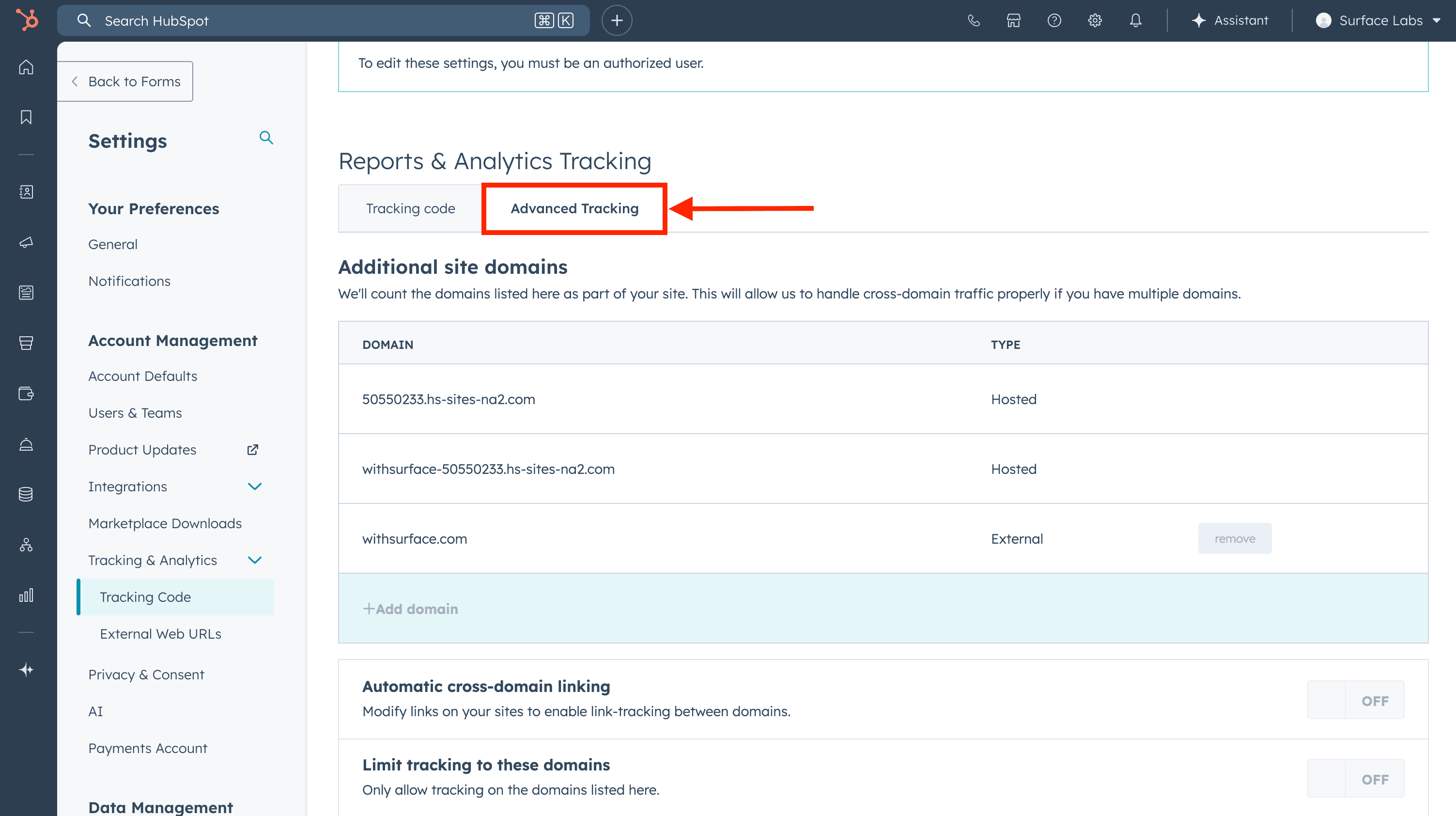
To enable proper tracking and form submissions, add the domain that serves your Surface form to your HubSpot account:
- In your HubSpot account, navigate to Settings → Tracking & Analytics → Tracking Code
- Click on the Advanced Tracking tab
- Under Additional site domains, click + Add domain
- Enter
forms.withsurface.com, or enter your verified custom domain if the form uses one - Click Save
Ready to Get Started?
See it on your own site, or open the app and build the first form.