
Form EmbeddingFramer
Email Input Field Trigger
Triggering via email input field submission
This feature requires paid tier of framer!
1. Create Surface Constructor
- In Framer, go to project
settings. - Scroll down to
Custom Codesection.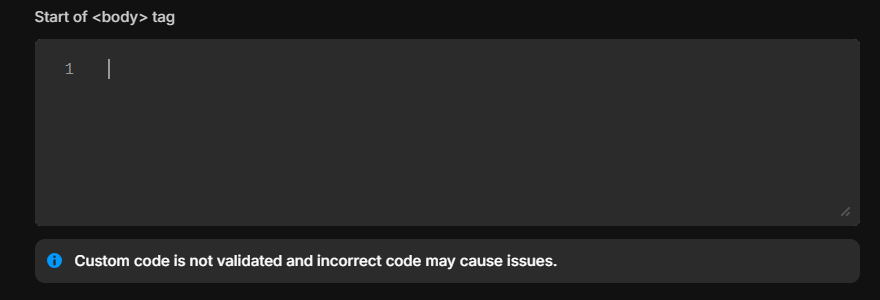
End of <body> tagsection.
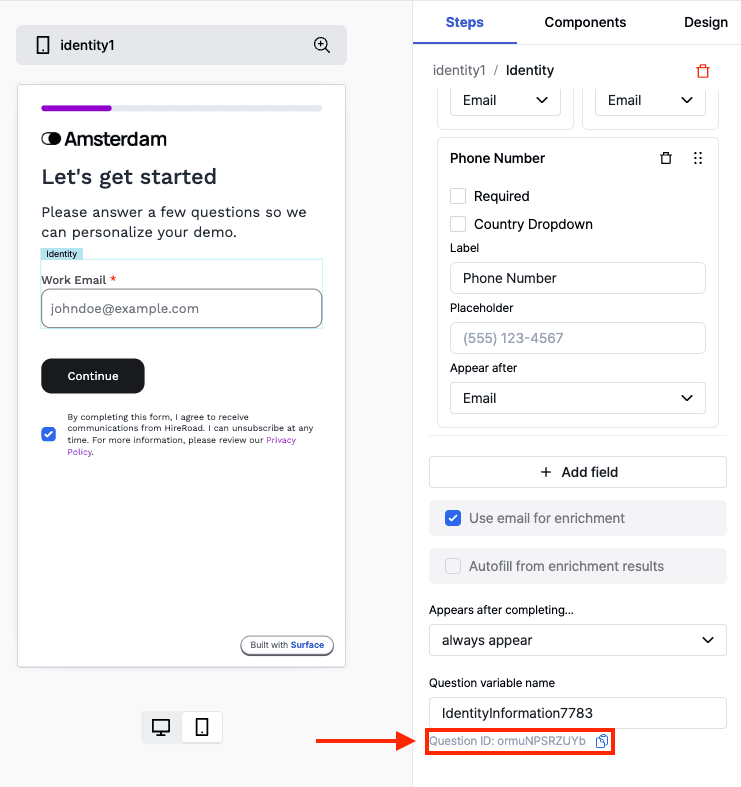
Modify the Surface Form Embedding Script to include the data-question-id attribute.
You must replace the <question_id> within data-question-id attribute below with the question ID from the Surface Form Builder.
<!-- Start Surface Form Embed -->

<script data-question-id="<question_id>">
  (function () {
    const surface_src = "surface_form_url";
    const surface_embed_type = "slideover"; // works on all embedding types!
    const target_element_class = "surface-form-button";
    const c = new SurfaceEmbed(
      surface_src,
      surface_embed_type,
      target_element_class
    );
  })();
</script>

<!-- End Surface Form Embed -->
2. Add the Form Component
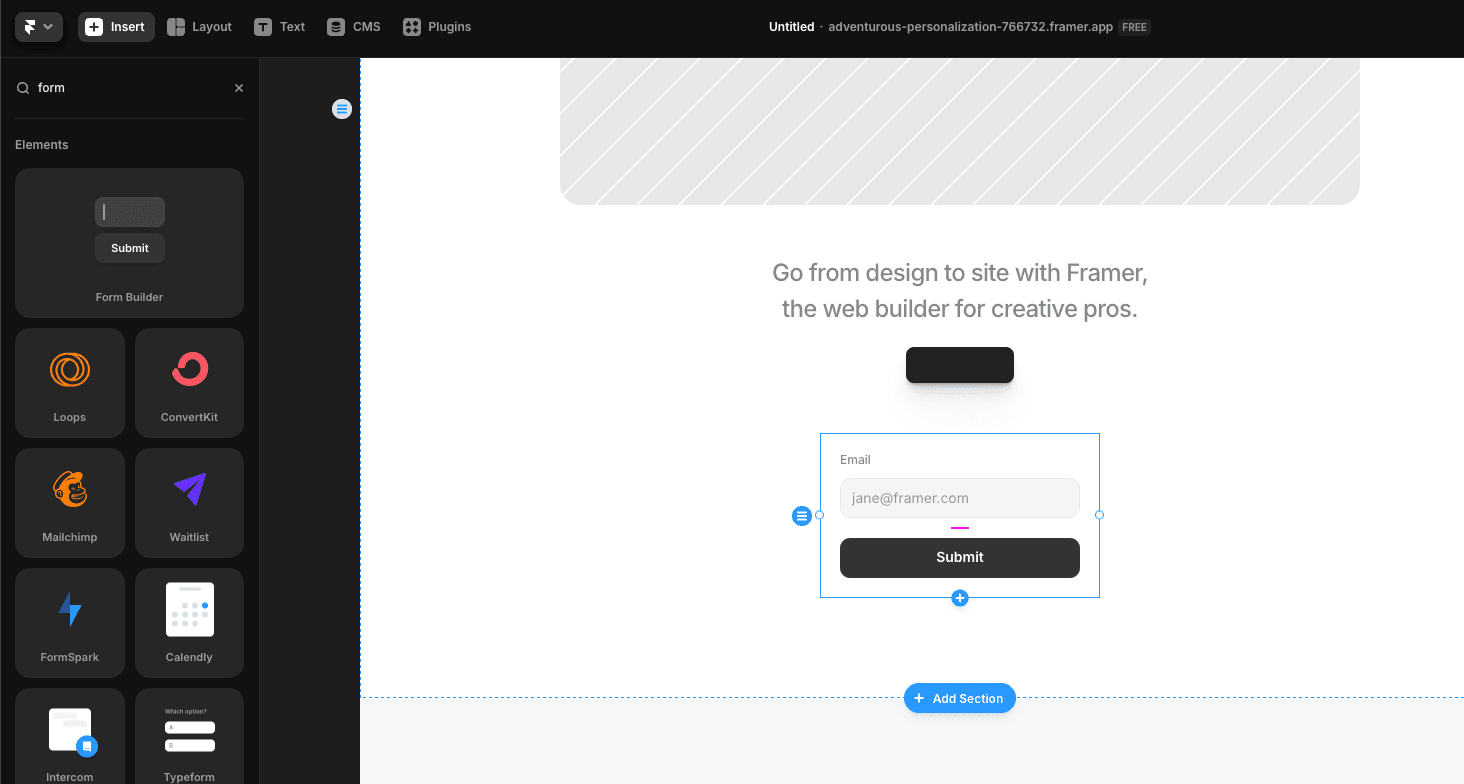
- In Framer, click on
insertto add new component inside the website. - Select
Form Builderfrom the list of components.
3. Create new code override for the form component
- In the form component, click on
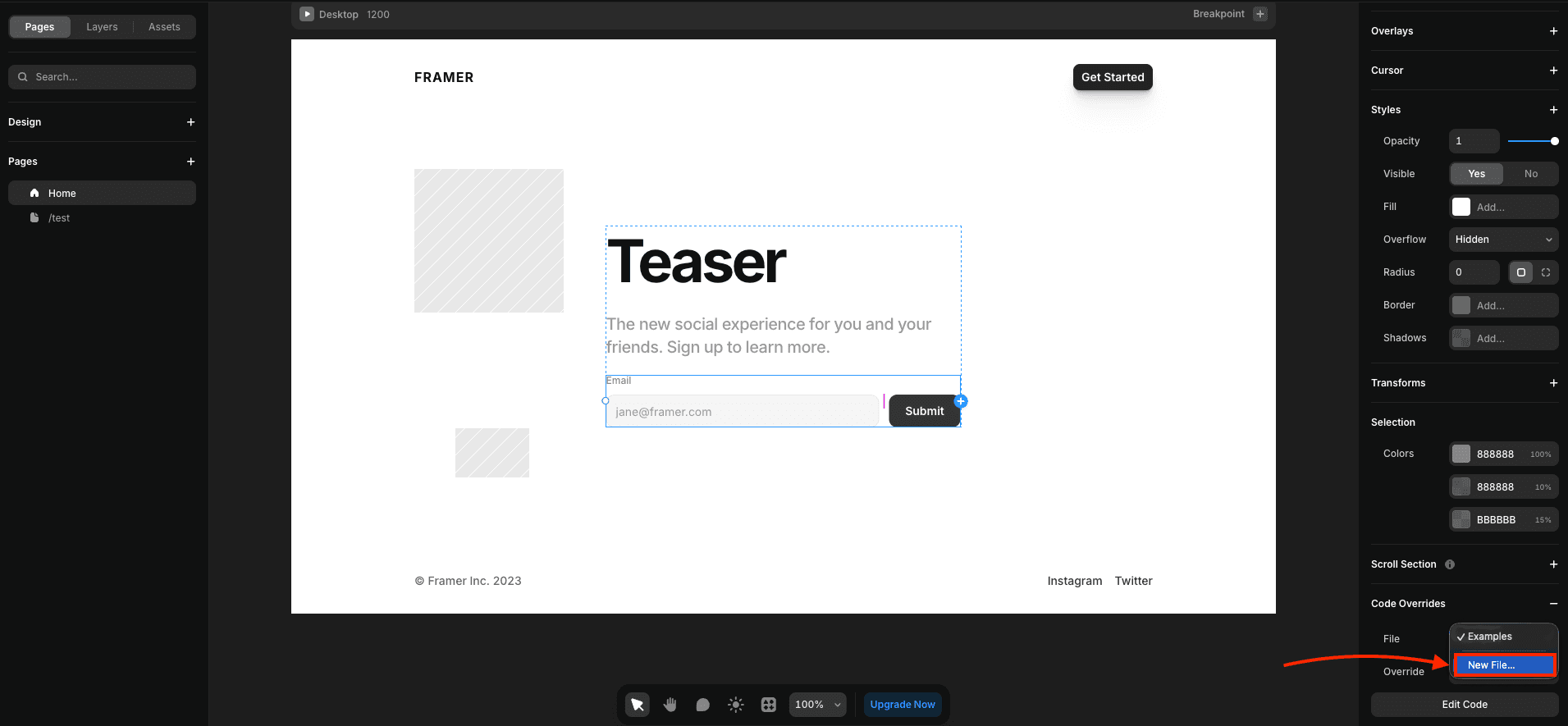
propertiesto open the properties panel. - Scroll down to
Code Overridessection. - Click on
New Fileto create a new file. - Name the file as
SurfaceFormHandler. - Click on
Createto create the file.
4. Modify the Surface Form Embedding Script
In the SurfaceFormHandler file, add the following code:
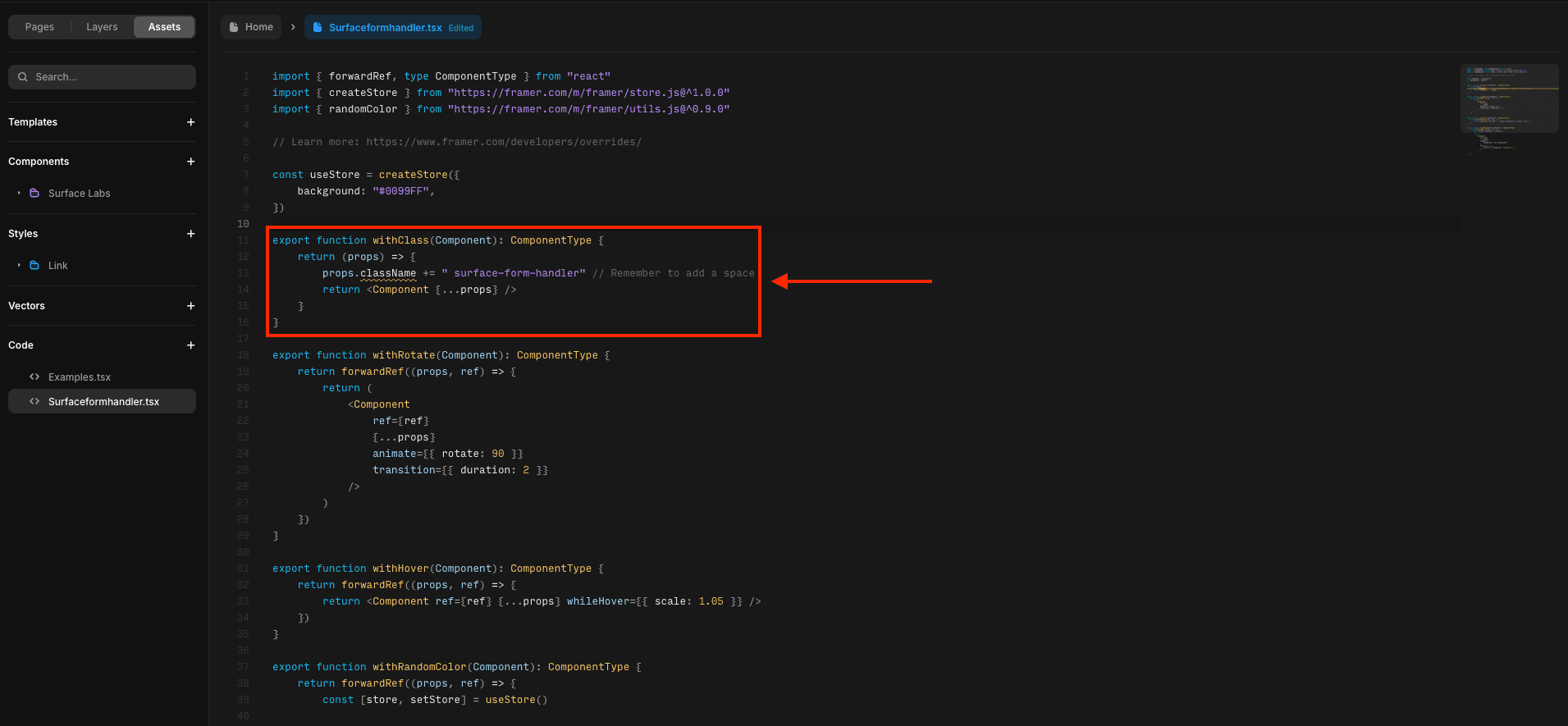
export function withClass(Component): ComponentType {
    return (props) => {
        props.className += " surface-form-handler" // Remember to add a space
        return <Component {...props} />
    }
}
5. Apply the code override to the form component
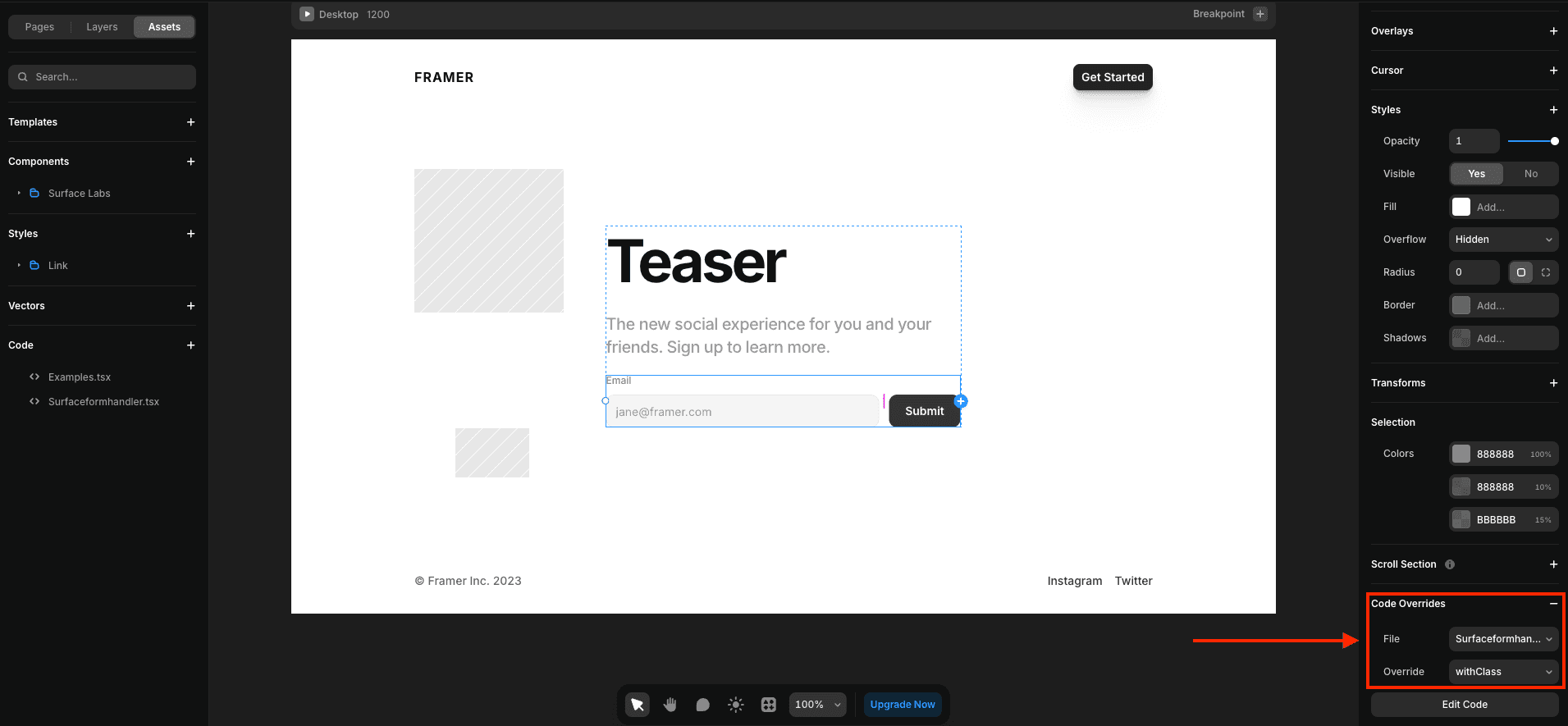
- In the form component, click on
propertiesto open the properties panel. - Scroll down to
Code Overridessection. - Select
SurfaceFormHandlerfrom the list of files. - Select
withClassfrom the list of overrides. - Click on
Applyto apply the code override.