
Form Events
Learn about the events emitted by Surface forms that can be used with Google Tag Manager, Google Ads, and Meta Ads.
Overview
Surface forms emit various events that can be tracked and used with analytics platforms like Google Ads and Meta Ads. This guide covers all available events and their associated data.
Available Events
Note: The emailProvided and meetingBooked events are only emitted when the respective fields (email input or scheduler) are present in the form.
Form Started Event
Track when users begin filling out a form
Step Completion Event
Monitor individual step completions in multi-step forms
Email Provided Event
Track when users provide their email address
Meeting Booked Event
Track when users book a meeting through the form
Form Submission Event
Track when a form is successfully submitted
Form Started Event
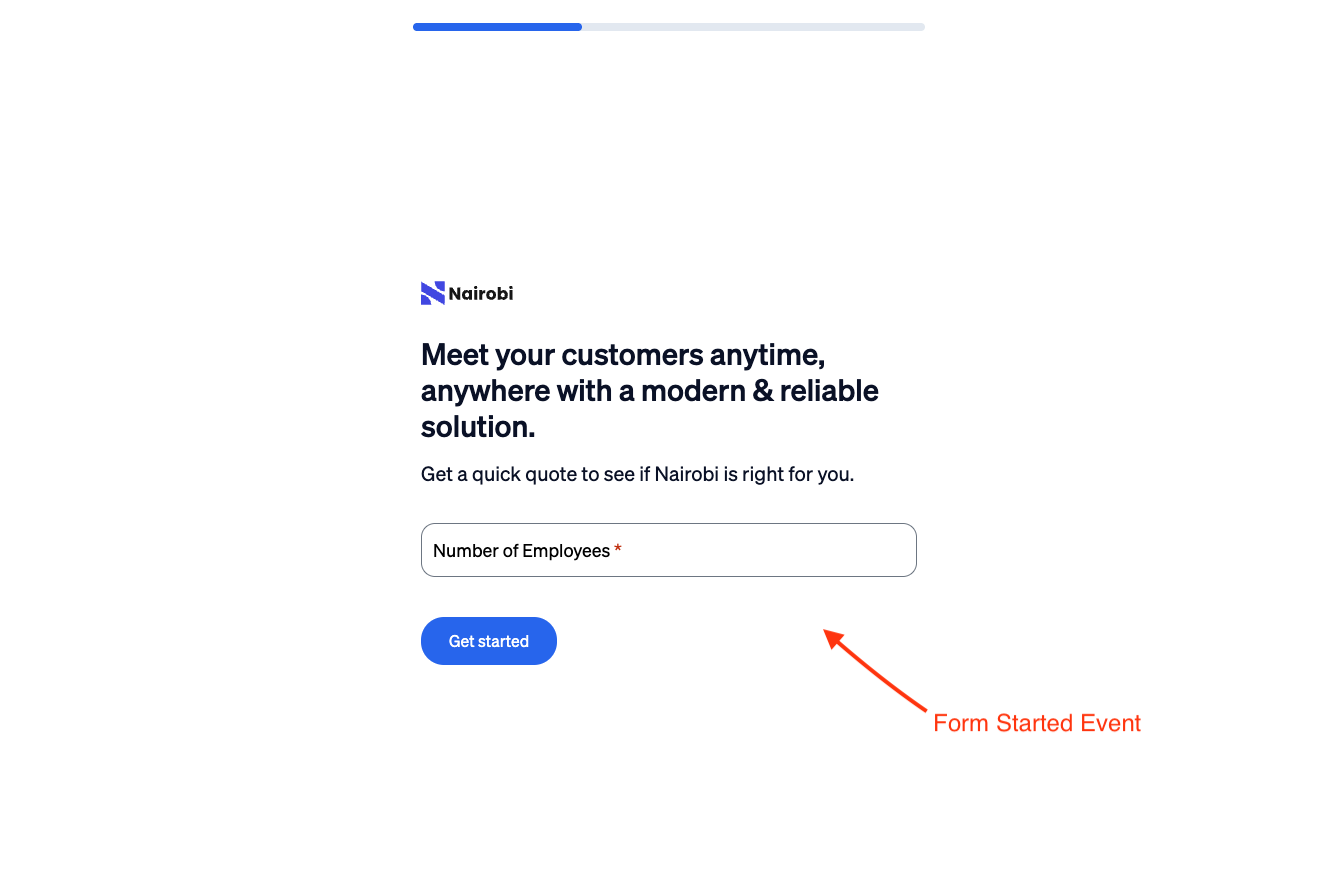
When a user starts filling out a form, the SurfaceFormStarted event is emitted.
Step Completion Event
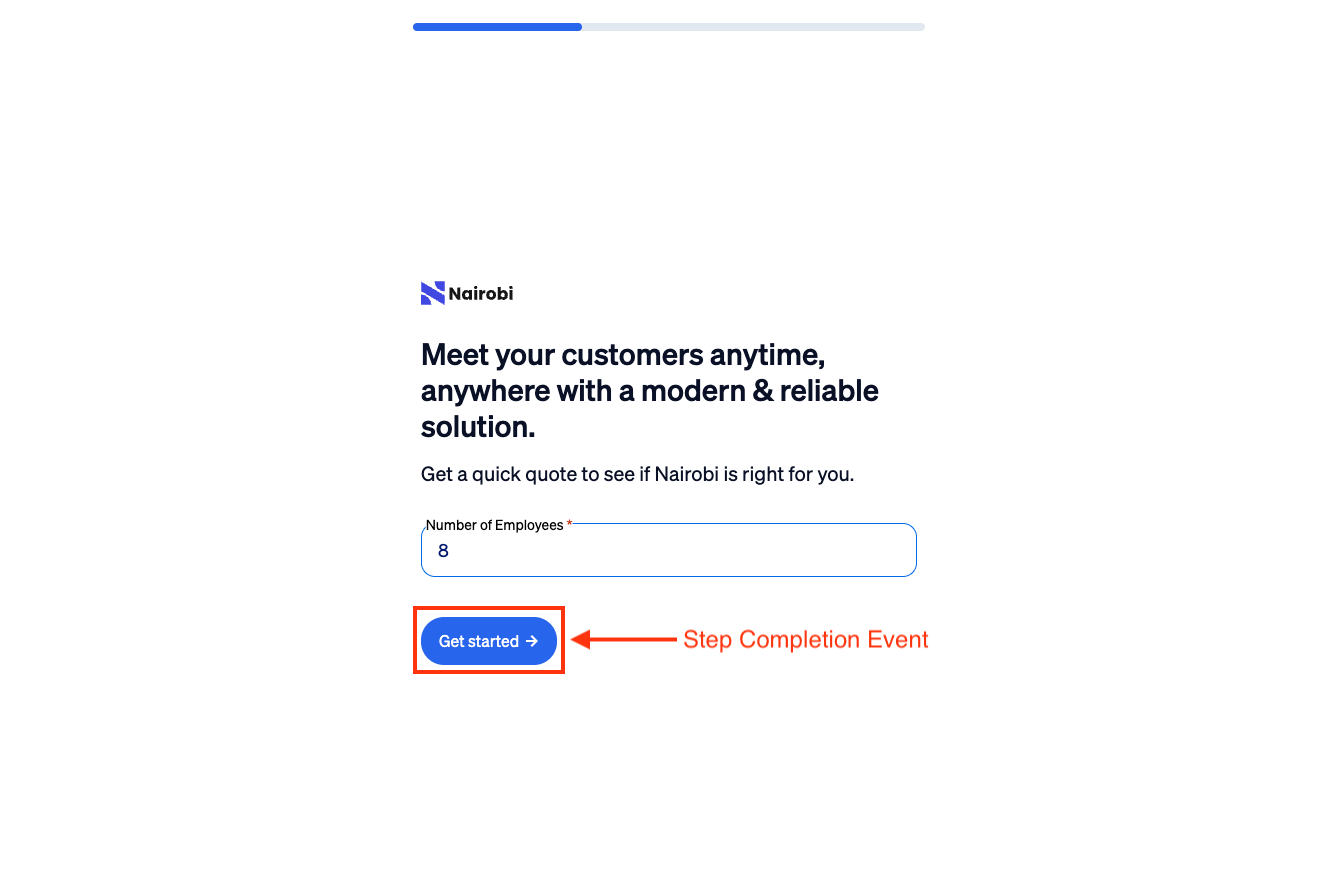
Each time a user completes a step in a multi-step form, the SurfaceFormStepSubmitted event is emitted.
Email Provided Event
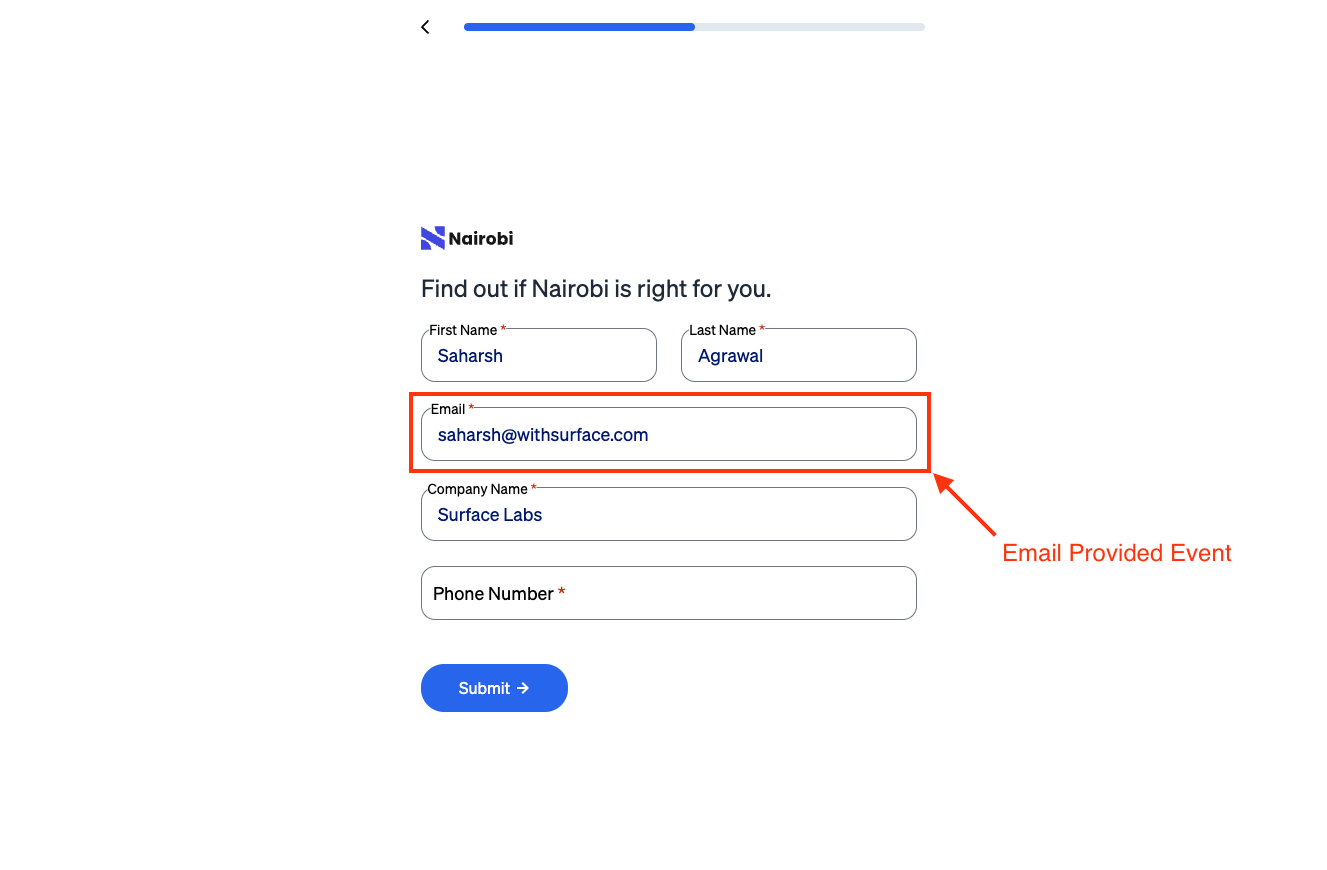
When a user provides their email address, the SurfaceFormEmailProvided event is emitted.
Meeting Booked Event
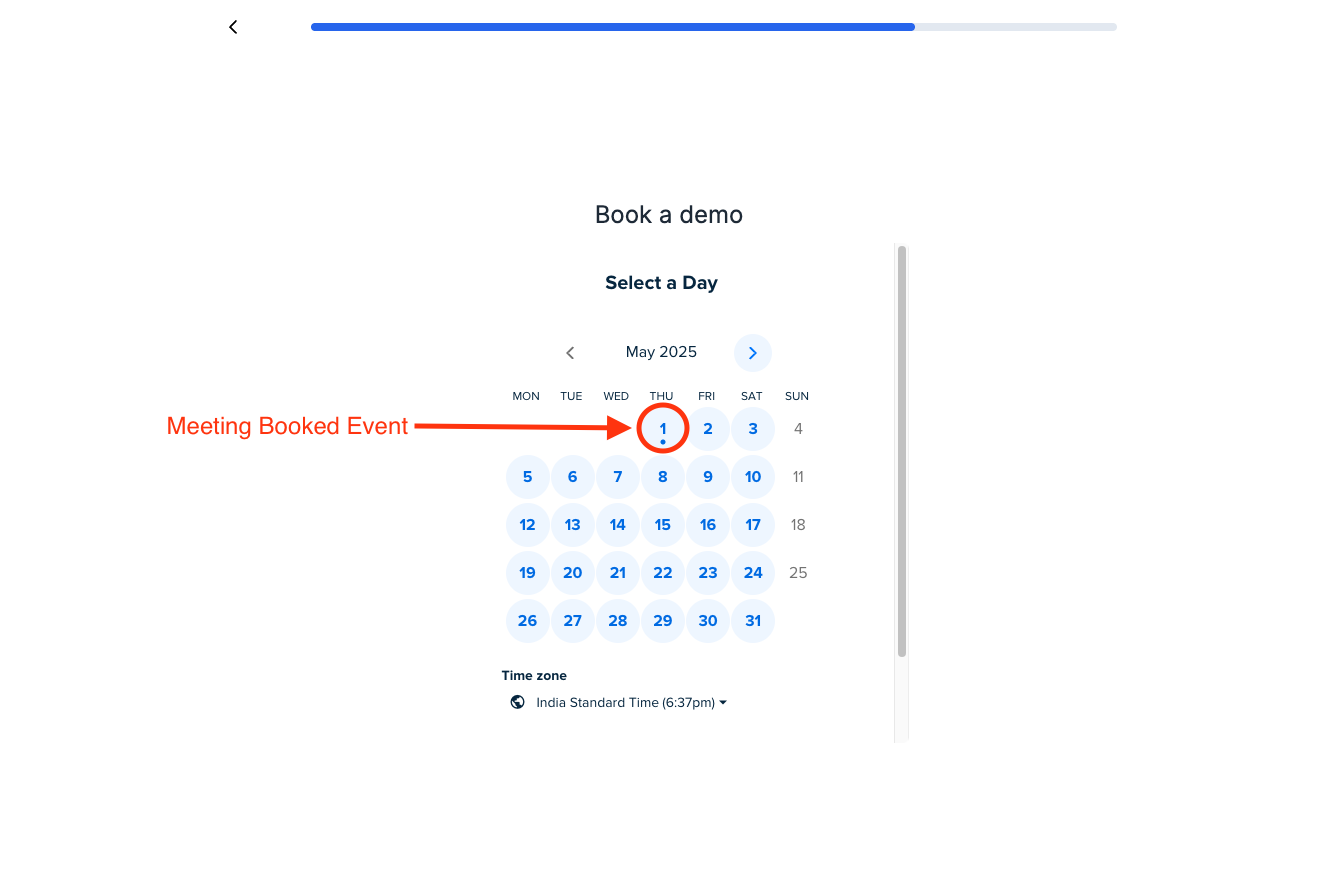
When a user books a meeting through the form, the SurfaceFormMeetingBooked event is emitted.
Form Submission Event
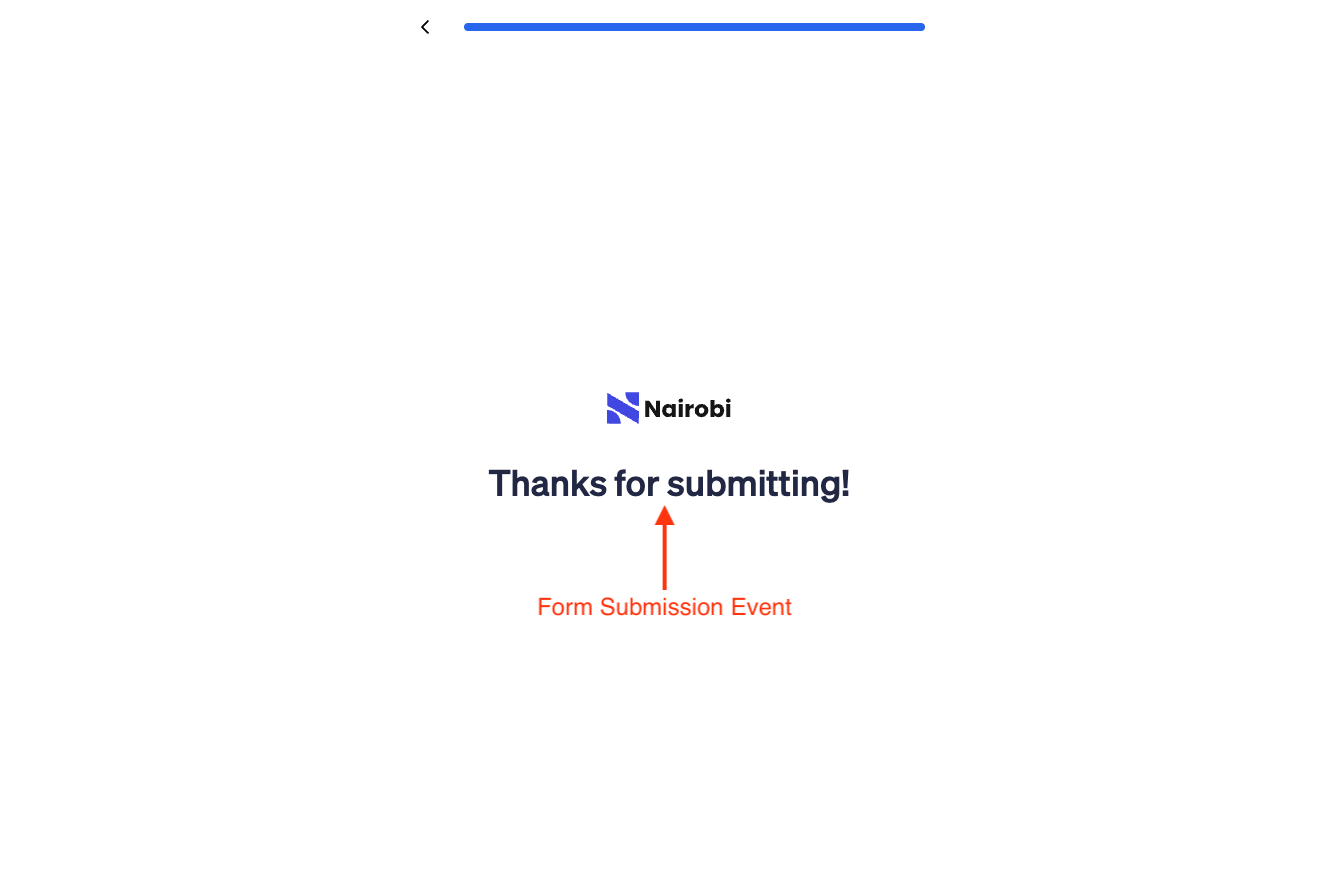
When a user submits a form, the SurfaceFormSubmitEvent event is emitted.
Event Flow in Multi-Step Forms
The following diagram shows how events are emitted in a typical multi-step form:
graph TD
    A[Form Started] -->|SurfaceFormStarted| B[Step 1]
    B -->|SurfaceFormStepSubmitted| C[Step 2]
    C -->|SurfaceFormStepSubmitted| D[Step 3]
    D -->|SurfaceFormSubmitEvent| E[Form Submitted]
    B -->|emailProvided| F[Email Provided]
    D -->|meetingBooked| G[Meeting Booked]