
Traffic Intelligence
Surface Tag
The script behind traffic, journeys, AI referrals, funnels and attribution.
Script Tag
Add the following script tag inside your <head> tag.
MAKE SURE TO REPLACE YOUR_SITE_ID.
<!-- Start Surface Tag -->
<script
  src="https://cdn.jsdelivr.net/gh/trysurface/scripts@latest/surface_tag.min.js"
  site-id="YOUR_SITE_ID">
</script>
<!-- End Surface Tag -->
Using a cookie banner? Add data-consent-mode to the tag and connect your banner with SurfaceSetConsent. Follow the cookie consent setup guide to control visitor recognition and cookie tracking.
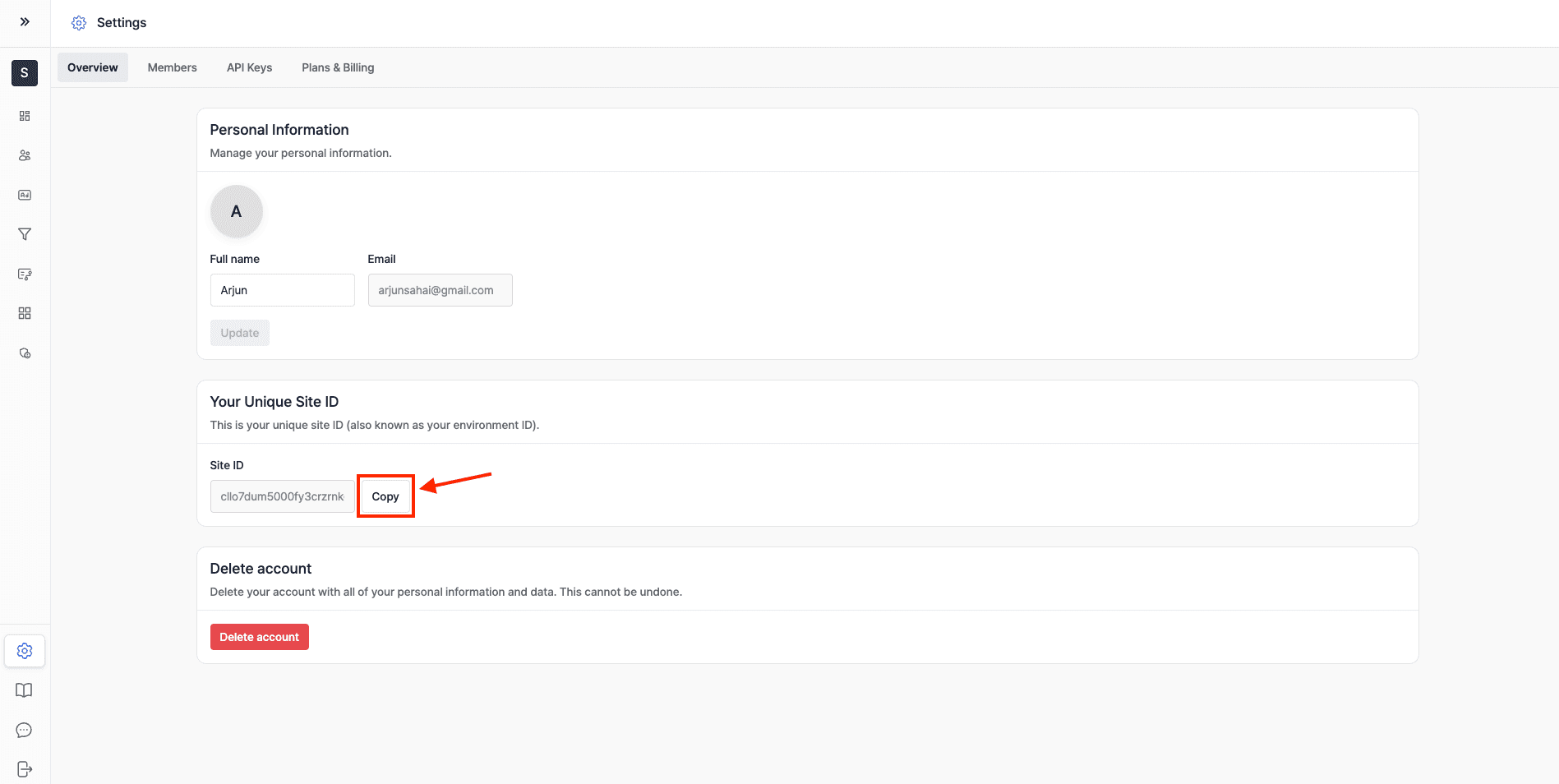
Where to find your site-id
Get your site-id by going to Settings > Overview
What the Surface Tag Does
The Surface Tag is a powerful tool that enables the following functionality:
- Embed Forms Seamlessly: Easily add Surface Forms to your platform to boost user engagement and collect valuable data.
- Form Analytics: Gather data on form submissions and user interactions to optimize performance and improve the user experience.
- Ad Retargeting & Conversion Tracking: Track conversions tied to your forms and re-target users who have interacted with them, maximizing your marketing ROI.
- Account-Based Marketing (ABM): Use data from form interactions to refine ABM strategies, focusing on key accounts for personalized marketing efforts.
Using a verified custom domain? Add data-custom-domain="forms.example.com" to the Surface Tag. Follow the custom-domain setup guide before publishing the change.
Ready to Get Started?
See it on your own site, or open the app and build the first form.