
Unbounce
Step 3: Optimize
Optimize Surface Form loading speed
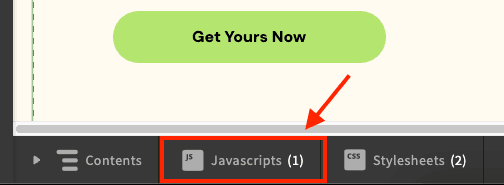
- In the bottom toolbar, click the "JavaScript" button
- Click "Add New JavaScript"
- Add the following link tags:
<!-- Speed up connections to forms.withsurface.com by performing early DNS resolution and TCP handshake -->
<link rel="dns-prefetch" href="https://forms.withsurface.com">
<link rel="preconnect" href="https://forms.withsurface.com" crossorigin>

<!--  Fetch the form in advance, so it's ready when a user opens it. -->
<link rel="prefetch" href="REPLACE ME WITH FORM URL" as="document">
Replace REPLACE ME WITH FORM URL with a Surface Form URL.
If the form uses a custom domain, replace forms.withsurface.com in the connection hints with your verified domain. See Use the Surface Tag with a Custom Domain.
Set the script placement to "Head" and click "Done" to save the changes
Ready to Get Started?
See it on your own site, or open the app and build the first form.