
Framer
Inline
Embed a Surface Form inline
-
In framer, click on
insertto add new component inside the website. -
Select
Embedfrom the list of components.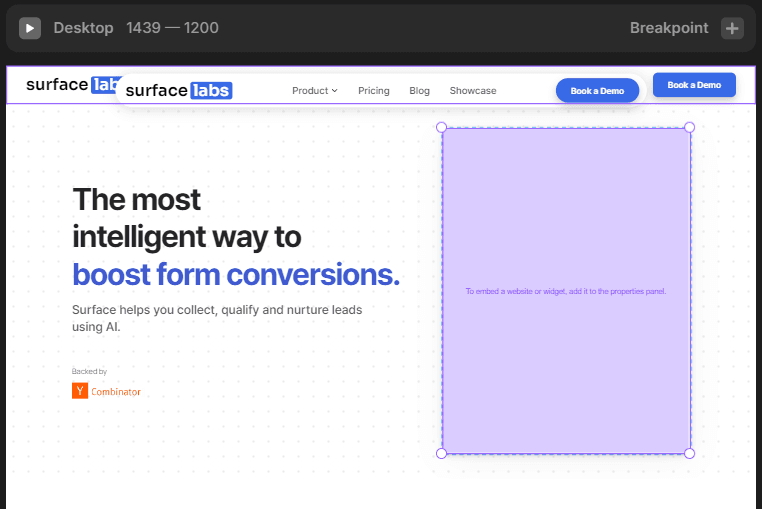
-
Insert the component in the desired location. Now go to
propertiesof the component and scroll down to theEmbedsection. -
Set the
TypetoURLand paste your form URL in theURLfield.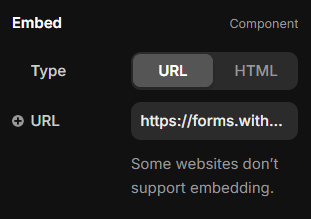
-
That should look something like this:

Ready to Get Started?
See it on your own site, or open the app and build the first form.